- HOME
- Know Your Tech
- Low-code vs. no-code: Key similarities and differences
Low-code vs. no-code: Key similarities and differences
- Last Updated : February 2, 2026
- 13.9K Views
- 8 Min Read
How much time does your team spend waiting for custom applications to be built? Traditional development takes months, requires specialized skills, and often delivers solutions that need immediate changes once deployed.
Highlights
- Low-code platforms use visual tools but allow custom scripts for complex requirements and enterprise applications.
- No-code platforms require zero coding knowledge and work best for simple applications and quick deployments.
- Both approaches reduce development time significantly compared to traditional coding and lower IT dependency.
- Low-code platforms handle complex integrations and scalability better than no-code options.
- You can choose the approach based on your application complexity, customization needs, scalability requirements, and team technical skills.
Low-code and no-code platforms solve this problem by using visual tools and prebuilt components to speed up application development. According to Gartner, the low-code development market will rise to $58.2 billion by the year 2029, showing how businesses value these approaches.
Both approaches promise faster development and lower costs, but they serve different needs and offer different capabilities. This guide explains what low-code and no-code platforms are, how they're similar, where they differ, and how to choose the right approach for your specific requirements.
What is low-code development?
Low-code development uses visual interfaces and drag-and-drop components to build applications with minimal hand coding. Users design applications by arranging prebuilt elements like forms, buttons, and data tables and connecting them with visual logic flows. The platform generates most of the underlying code automatically.
The key difference from traditional development is speed and accessibility. What takes weeks or months with conventional coding can happen in days. Both technical and non-technical users can build functional applications, though low-code platforms still allow developers to add custom code when needed for specific requirements.
For instance, building an approval workflow that validates expense claims against company policies, routes them to appropriate managers, and integrates with accounting software can be created visually in low-code platforms. Developers can add custom validation rules through code where the visual tools need additional logic.
What is no-code development?
No-code development removes coding entirely from the app-building process. Users create fully functional applications through visual interfaces alone, selecting from prebuilt templates, dragging components into place, and configuring settings through simple forms. No programming knowledge is required at any stage.
These platforms target business users who need applications quickly but lack technical skills. The focus is on speed and simplicity rather than deep customization. Users work with what the platform provides, which is usually sufficient for straightforward applications and automated workflows.
For example, a customer feedback form that collects responses, assigns satisfaction scores, and routes unhappy customers to support teams can be built in no-code platforms. Users simply select form fields, set routing rules through dropdown menus, and activate the workflow.
Similarities of low-code and no-code platforms
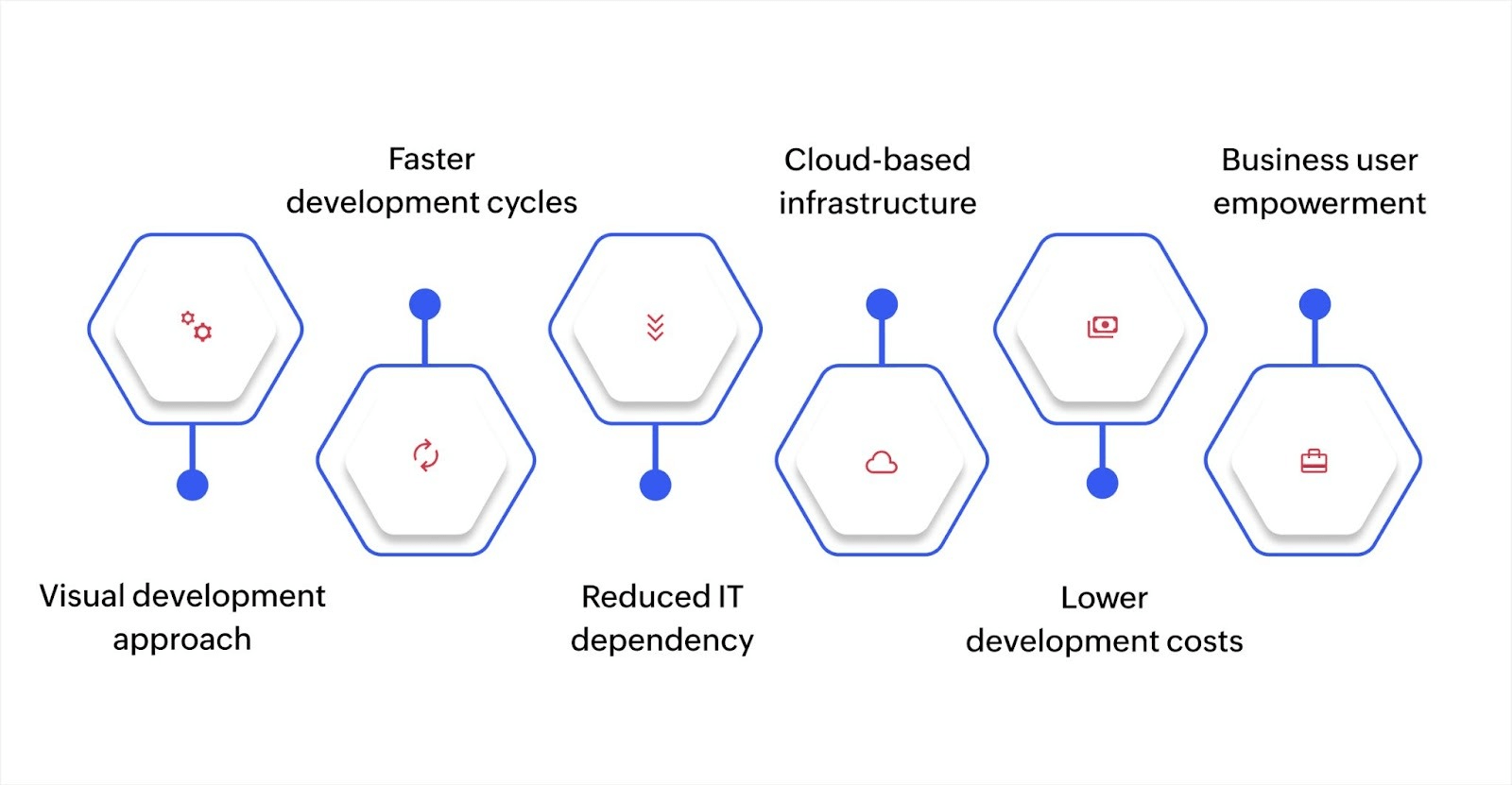
Despite their differences, low-code and no-code platforms solve similar problems and offer comparable benefits. Here's what they have in common:
- Visual development approach: Both platforms use drag-and-drop interfaces and visual design tools instead of text-based coding, making application building more intuitive and accessible than traditional development methods.
- Faster development cycles: Applications that take months with conventional coding can be built in days or weeks with either approach, significantly reducing time from concept to deployment and letting businesses respond quickly to needs.
- Reduced IT dependency: Business teams can build their own solutions without waiting for IT resources, while IT departments can focus on complex infrastructure projects rather than simple application requests.
- Cloud-based infrastructure: Most platforms run in the cloud, handling servers, security, updates, and maintenance automatically so users focus on building applications rather than managing technical infrastructure.
- Lower development costs: Both approaches reduce expenses by eliminating the need for large development teams, specialized programmers, and lengthy projects while still delivering functional business applications.
- Business user empowerment: Non-technical employees can create solutions for their specific needs, test ideas quickly, and adjust applications based on feedback without requiring programming skills.
However, other than these similarities, the platforms differ significantly in capabilities, complexity handling, and ideal use cases. These differences determine which approach fits specific business needs.
Key differences between low-code and no-code platforms
Choosing between low-code and no-code depends on knowing how they differ and how that impacts your business needs. Here's how they compare across critical factors:
| Factor | Low-code | No-code |
| Target users | Technical and non-technical users and citizen developers | Non-technical business users |
| Customization | High flexibility with custom code options | Limited to platform's built-in features |
| Application complexity | Handles complex enterprise applications | Best for simple, straightforward applications |
| Integration capabilities | Extensive API options and custom connectors | Basic integrations and limited customization |
| Development speed | Faster than traditional coding | Fastest deployment possible |
| Learning curve | Requires some training and practice | Minimal learning needed |
| Use cases | Core business systems and complex workflows | Simple forms and basic automation |
| Customization control | Full control over logic and functionality | Pre-configured options only |
| Governance options | IT can enforce security and compliance | Harder to manage at scale |
| Scalability | Supports enterprise-scale applications | Works for smaller-scale needs |
Both low-code and no-code platforms use visual development approaches, but their features reflect different priorities. Low-code platforms balance speed with flexibility, while no-code platforms focus entirely on simplicity and quick deployment. Let’s take a closer look at what each approach offers:
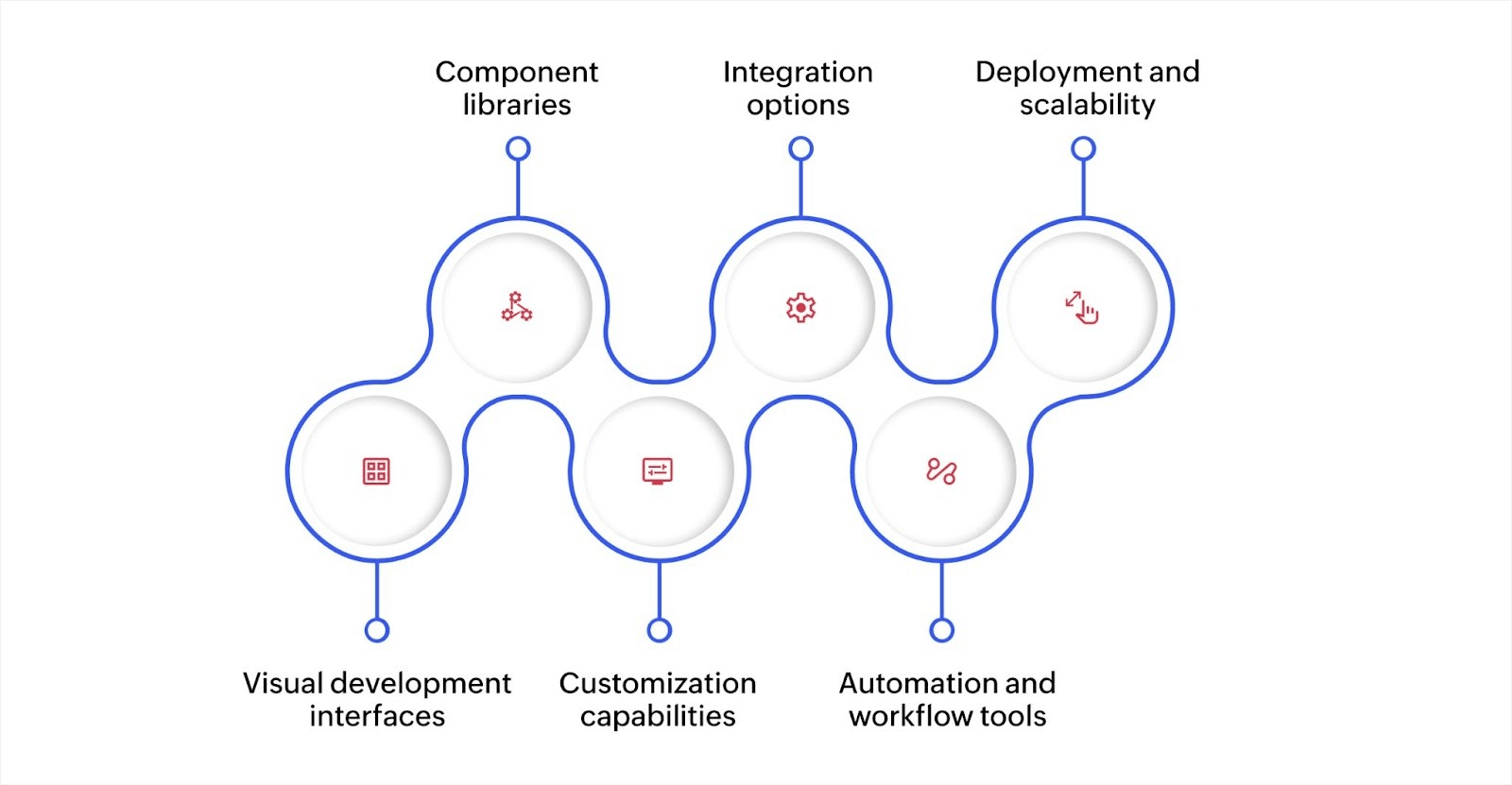
Visual development interfaces
Both platforms use drag-and-drop tools to design applications by arranging components on a canvas and defining logic through flowcharts. Low-code platforms add code editors for custom scripting, while no-code platforms keep everything visual with dropdown menus and configuration forms.
Component libraries
Low-code platforms provide reusable elements like data entry forms, approval buttons, and report templates that can be customized through code. No-code platforms offer extensive template collections for complete applications like contact forms, event registrations, and task managers that work immediately without modification.
Customization capabilities
Low-code platforms let developers write custom scripts to add specialized functionality, complex calculations, or unique business logic when prebuilt components don't meet specific needs. No-code platforms limit customization to the configuration options available through the interface with no ability to add custom code.
Integration options
Low-code platforms provide API connectors, webhooks, and custom integration capabilities to link with existing systems like CRM platforms, databases, and payment processors. No-code platforms offer simpler integrations through prebuilt connectors with limited customization beyond basic settings.
Automation and workflow tools
Low-code platforms include visual workflow builders with conditional logic, custom triggers, and the ability to write scripts for complex automation. No-code platforms provide built-in automation through simple rule builders that trigger emails, update records, or send notifications based on preset conditions.
Deployment and scalability
Low-code platforms often support enterprise-scale applications that handle growing user numbers and data volumes through cloud infrastructure with performance optimization options. No-code platforms offer instant deployment but work best for smaller-scale applications with straightforward requirements.
How to choose between low-code and no-code platforms
Selecting the right approach starts with understanding your specific requirements. Application complexity, customization needs, and team capabilities all influence which platform type works best.
When to choose no-code platforms
No-code platforms work well when speed matters most and requirements stay within standard functionality. They fit situations where business users need solutions immediately without technical assistance.
Choose no-code when building simple applications like feedback forms, event registrations, or basic tracking systems. For instance, a marketing team creating an event registration form that collects attendee information and sends confirmation emails can use no-code tools and have it running in hours. The prebuilt components handle everything needed without customization.
No-code also fits departments creating internal tools for their own use. A sales team building a lead tracking sheet, an HR department managing time off requests, or a support team routing customer inquiries can all use no-code platforms effectively. These scenarios need working solutions quickly but don't require deep integration or custom logic.
When to choose low-code platforms
Low-code platforms handle more complex requirements where customization and scalability matter. They're the right choice when applications need to grow, integrate with multiple systems, or include specialized functionality.
Choose low-code for core business applications that connect to existing systems and support significant user numbers. For example, a logistics company building a route optimization system that integrates with GPS tracking, updates delivery schedules in real time, and connects to customer notification systems needs the flexibility that low-code provides. The visual tools speed development while custom code handles specialized calculations.
Low-code also works for applications that will evolve over time. When you expect to add features, change workflows, or scale to more users, low-code platforms provide the flexibility to grow without rebuilding. Companies creating customer portals, project management systems, or custom CRM solutions benefit from this adaptability.
When to use both approaches together
Many businesses use both low-code and no-code platforms based on specific needs. This hybrid strategy lets teams choose the right tool for each project.
A company might use no-code for simple departmental tools like feedback forms, basic surveys, or simple approval workflows while using low-code for core systems like order management, inventory tracking, or customer portals. This approach gives teams quick solutions where appropriate while maintaining flexibility for complex requirements.
For instance, a retail business could use no-code for store managers to create local promotion forms and schedule tracking, while IT builds a low-code inventory management system that connects all stores, manages stock levels, and integrates with suppliers. Each approach serves its purpose without forcing one platform type for every need.
Build applications faster with Zoho Creator
Choosing between development approaches often means weighing speed against flexibility. You need applications built quickly, but you also want them to grow with your business and handle your specific requirements.
Zoho Creator is an AI-powered low-code application development platform that provides both speed and flexibility. You can build simple applications as quickly as no-code tools allow but also create complex enterprise systems when needed.
With over 7 million apps built and 30,000+ customers, businesses use it for everything from basic forms to complete ERP systems.
Start building applications that match your needs exactly, whether simple or complex. Sign up for free today and see what you can create with Zoho Creator.
FAQs
1. Can low-code and no-code platforms work together?
Yes, businesses often use both approaches for different projects. Teams can use no-code for simple departmental tools and low-code for core business systems, choosing the right platform based on each application's complexity.
2. What types of applications work best with no-code?
Simple applications like feedback forms, event registrations, basic approval workflows, contact management, and simple data collection work well with no-code platforms. These don't require custom logic or complex integrations.
3. Do low-code platforms require programming knowledge?
Not for basic applications, but programming knowledge helps with complex features and custom integrations. Business users can build simple applications visually, while developers can add custom code when needed for specialized functionality.
4. How much faster is development with these platforms?
Applications that take months with traditional coding can be built in days or weeks with low-code or no-code platforms. No-code deployments happen fastest, often in hours, while low-code takes slightly longer but handles more complexity.
5. Are low-code platforms suitable for complex applications?
Yes, low-code platforms handle complex applications, including ERP systems, customer portals, and custom business software. They provide the flexibility to add custom code, integrate with multiple systems, and scale to enterprise requirements.
 Rohith Krishnan S
Rohith is a product marketer at Zoho. He writes about low-code, workflow automation and follows the latest digital transformation trends. Outside work he enjoys spending time with family, watching football matches and reading about futuristic trends, in no specific order.